


Windows always on top

StayOnTopWindows 10 & 11 · native C++
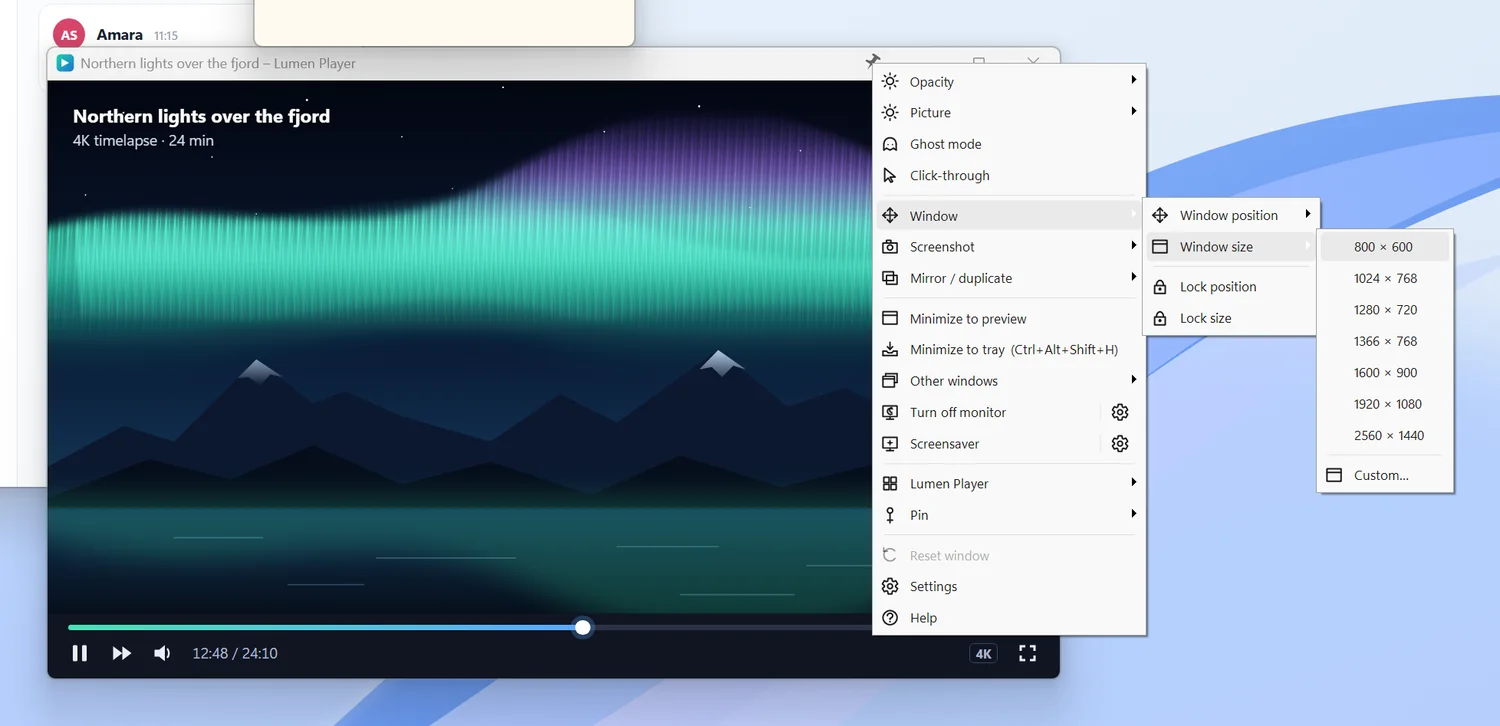
Pin any window with a single click
A pin on every window’s title bar. One click keeps a video, chat or notes on top.


Under 3 MBand under 1% CPU
About
We deliver friendly, useful software for Windows
Weedsee software builds Windows tools that each solve one specific problem.
No manual, no account, no subscription. We write native apps, test them on many monitors and scaling settings, translate them into dozens of languages and sell them through Microsoft Store.
Weedsee — we see: we spot small everyday annoyances at the computer and turn them into simple solutions.
3polished apps for Windows
38languages in StayOnTop and OLED Protection
0ads, accounts or telemetry
100%of your data stays on your PC
Our software
How to buy
Three tools. Three fewer problems.
Each app does one thing — properly.

OLED Burn-In Protection
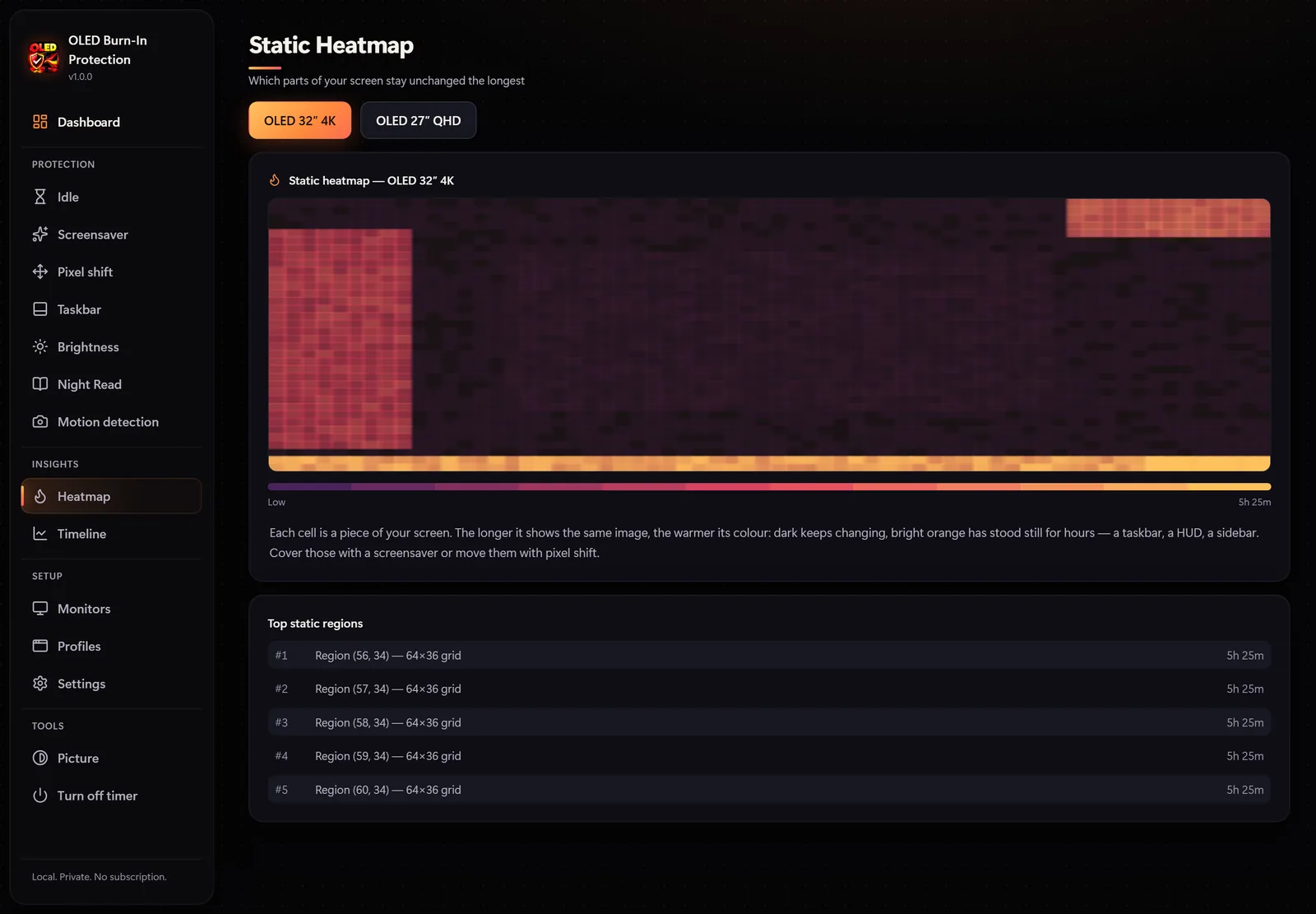
Screen protectionHeatmap, camera presence detection like flagship OLED monitors, idle dimming, pixel shift and taskbar protection.
Microsoft Store$12.99Details

Disk Drive Cleaner Pro
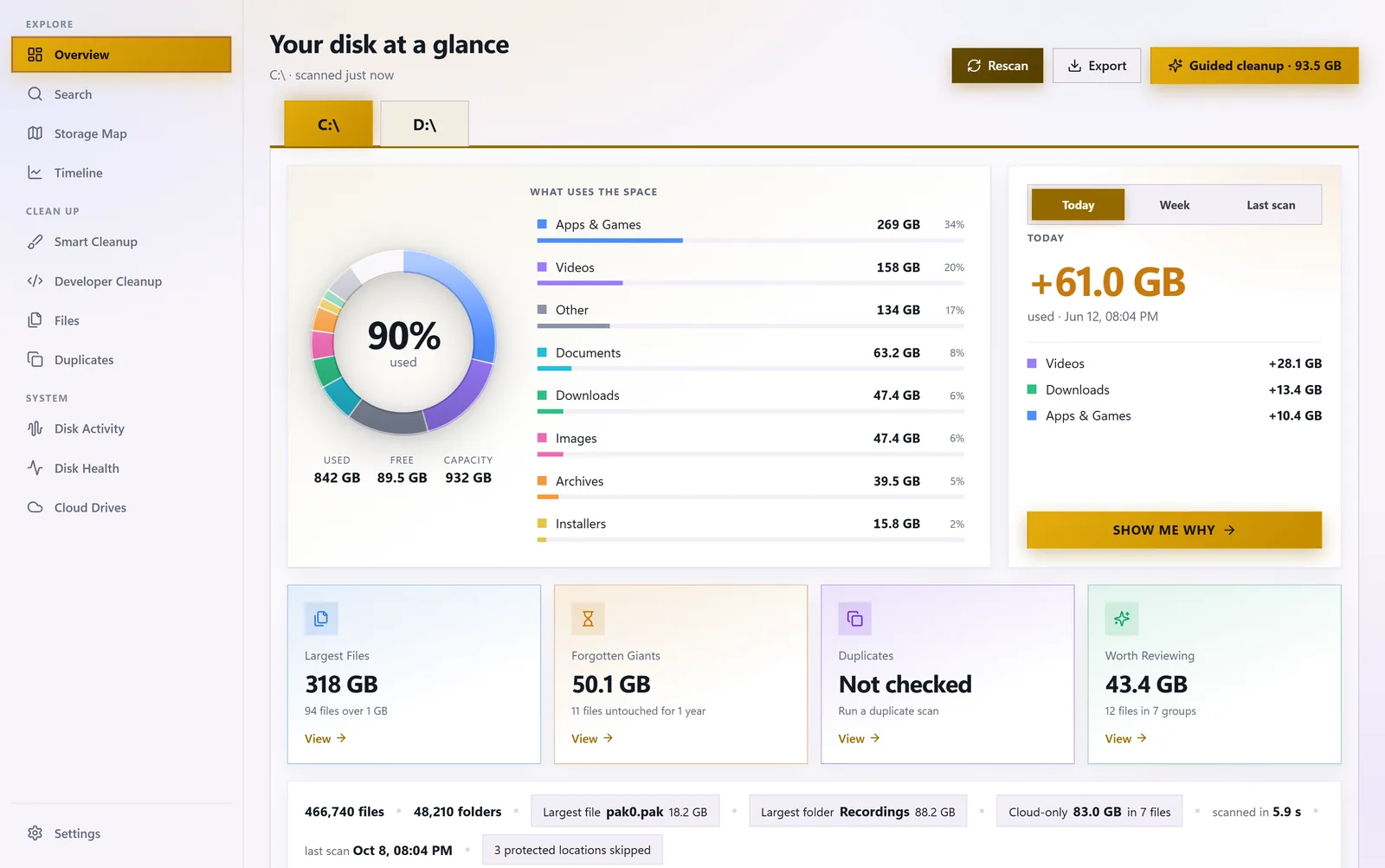
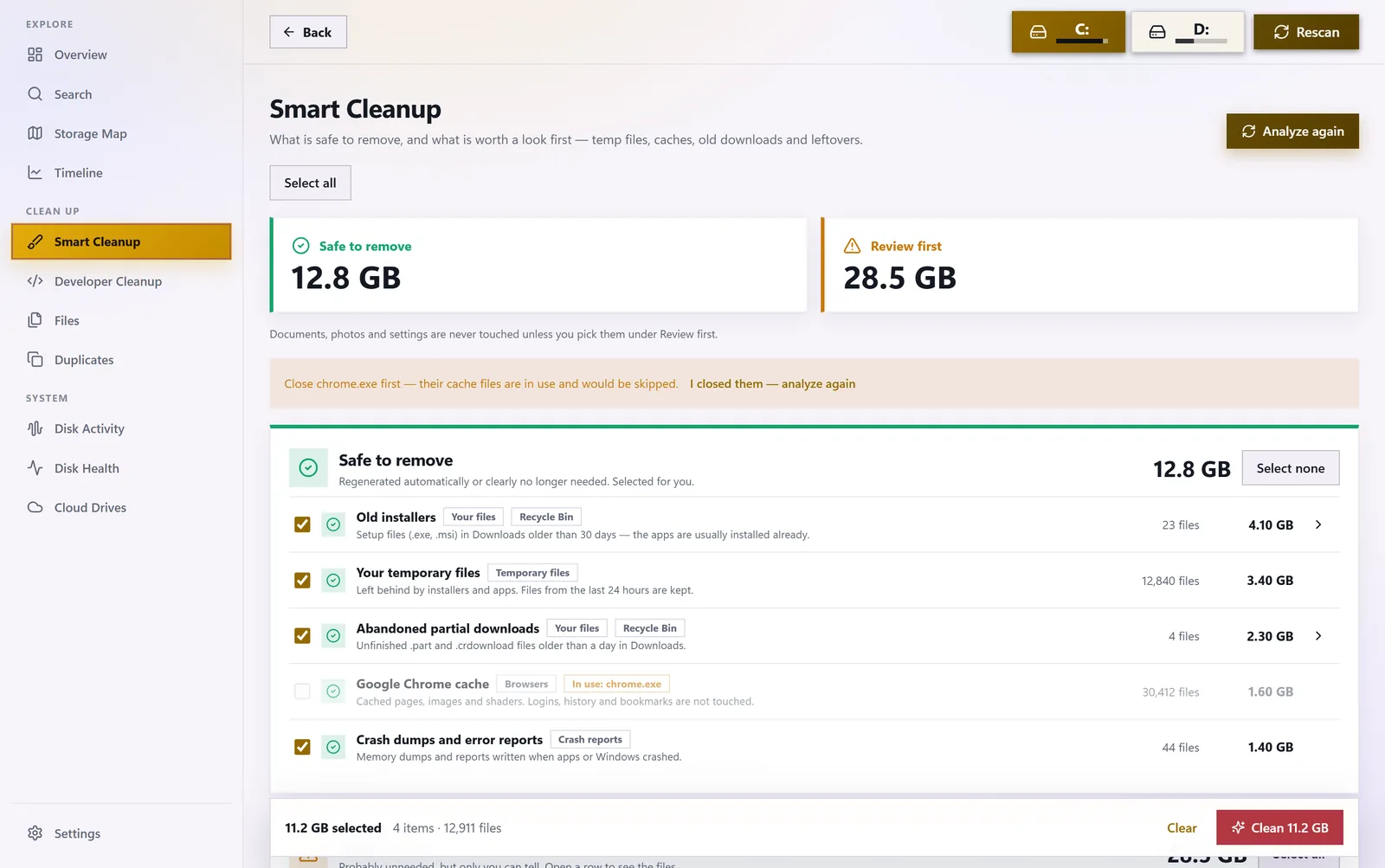
System toolsStorage map, duplicates, forgotten giants, instant search and cleanup to the Recycle Bin. No admin rights.
Microsoft Store$8.99Details
Weedsee. It makes sense!
Move the cursor · click to scatter
Why Weedsee
Software that respects its users
Simple from the first moment
No wizards. Sensible defaults work right away.
Private by design
No account, cloud, ads or telemetry. Your data stays on your PC.
Light and native
Native code, minimal memory and CPU use, runs in the tray.
Safe with Microsoft Store
Install and auto-update from Microsoft Store. Licence on your Microsoft account.
How to buy
Three steps to a better Windows
Microsoft Store, one-time payment, no subscription.
Choose an app
Compare features and screenshots on the app pages.
Buy in Microsoft Store
“Buy” opens the app’s page in Microsoft Store.
Install and enjoy
Updates install automatically.
Weedsee. It makes sense!