
StayOnTop icon
Productivity · Windows 10 & 11
StayOnTop

The window you need, always on top — with a single click of the pin.

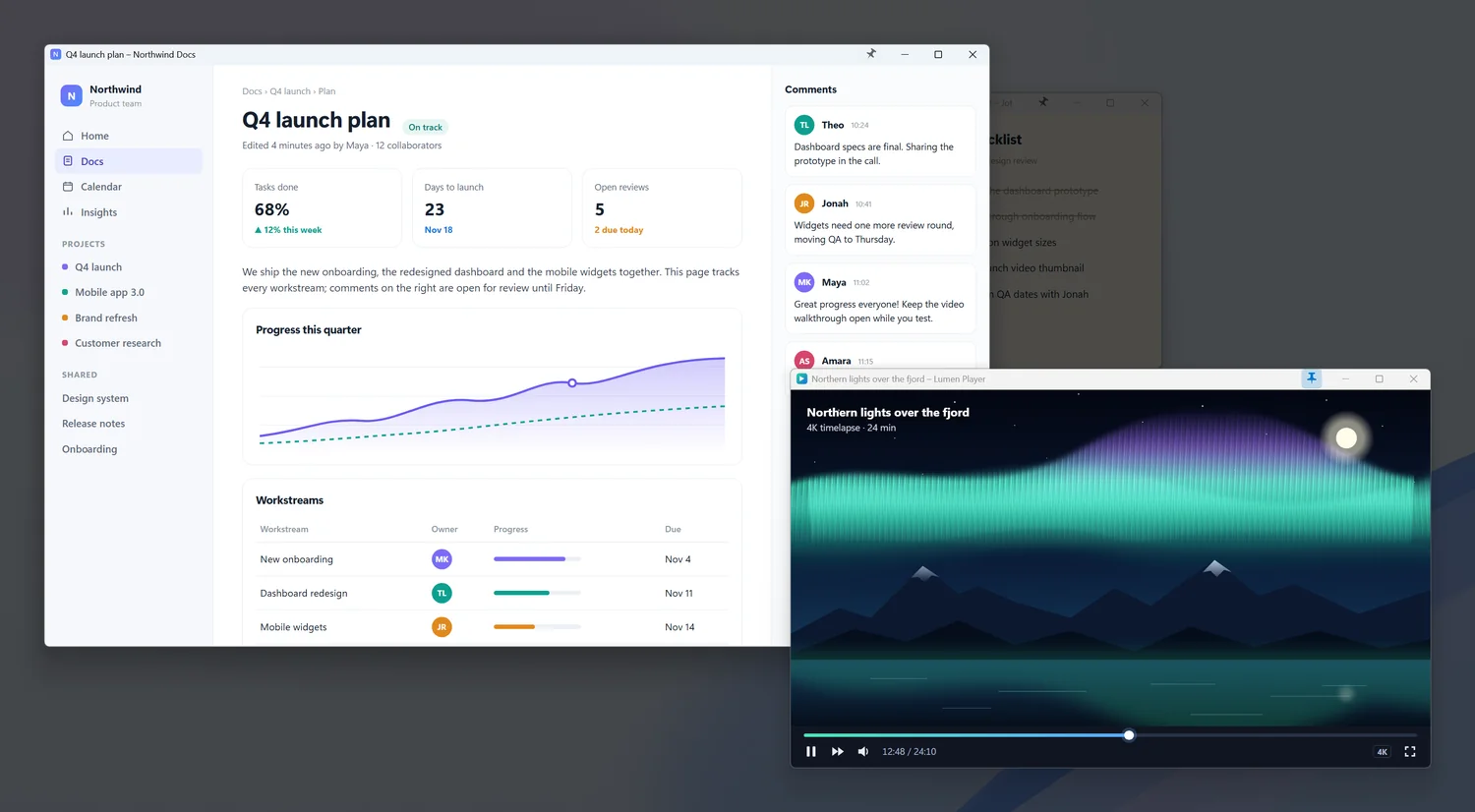
Click the pin on the title bar and the window stays above all others. Click again to unpin it.

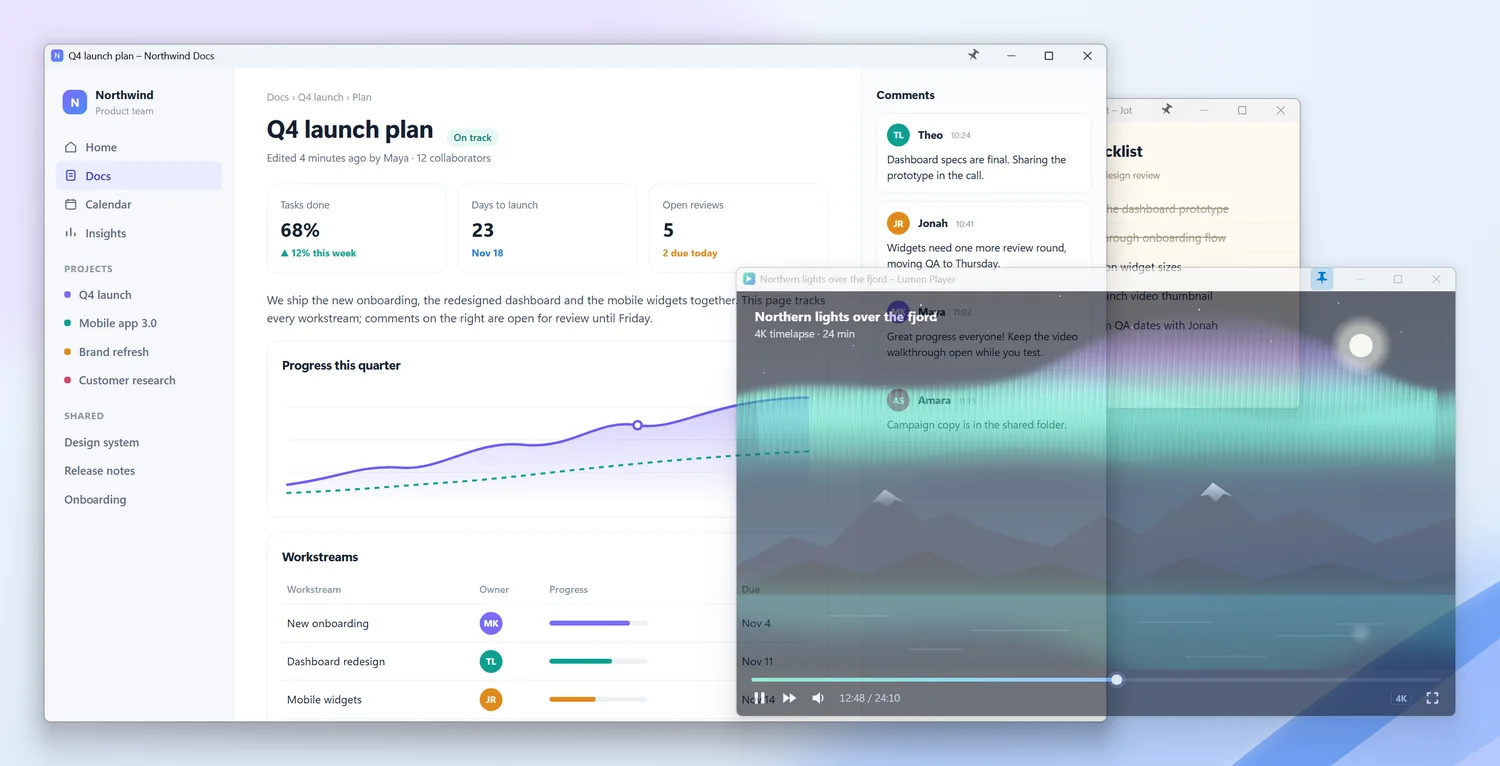
A video player pinned on top of a document and notes
1 click

is all it takes to keep a window above all others

~30 MB

of memory at idle, under 1% CPU

38

languages for the interface and full help

0

network features — everything stays with you

Overview

01 — THE PIN

A button exactly where you look

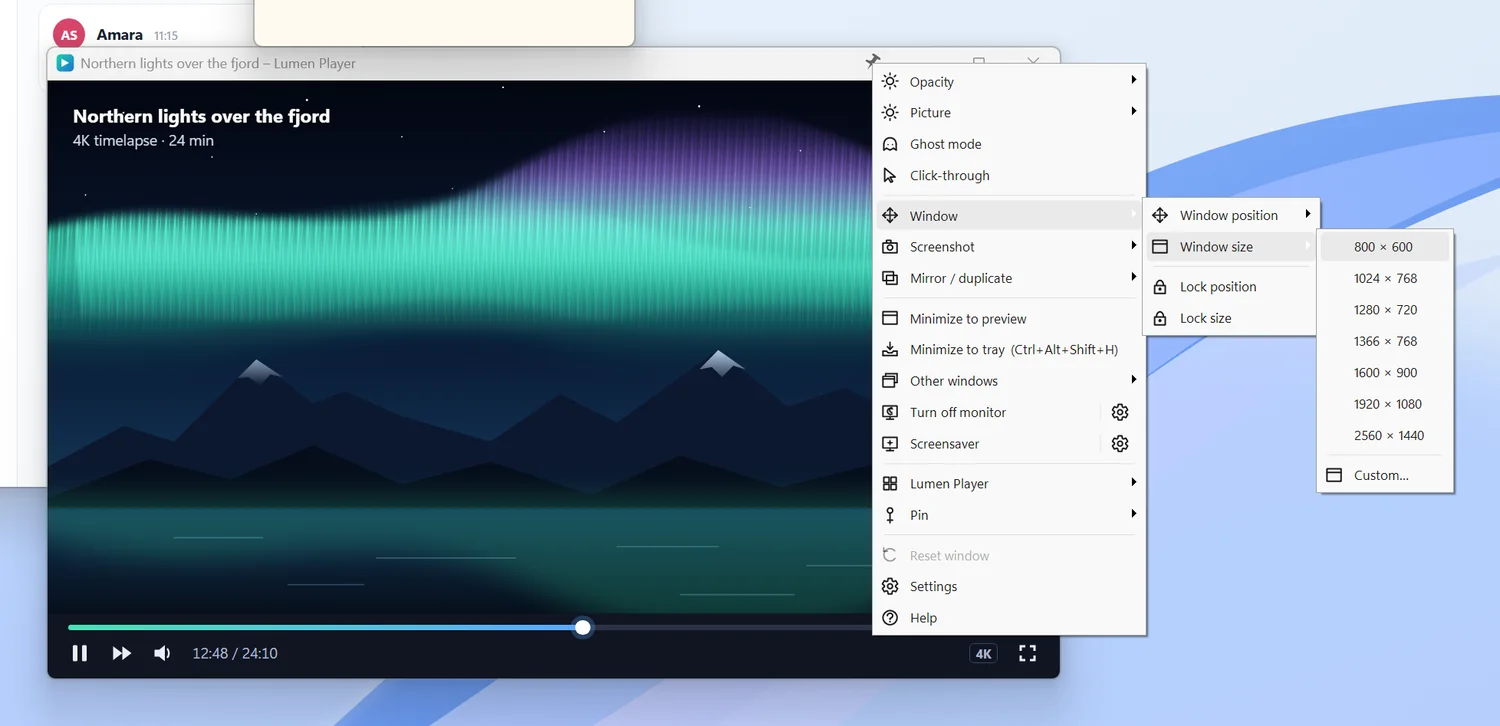
Left click pins the window, right click opens a menu with every feature.

  • Left click: pin or unpin the window
  • Right click: a menu with every feature for that window
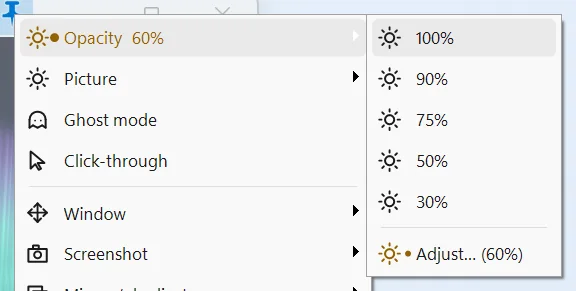
  • Mouse wheel on the pin: smooth opacity control
  • Drag the pin to move it elsewhere on the title bar
The StayOnTop window menu opened by right-clicking the pin
02 — TRANSPARENCY

See the window, click what is behind it

Set a window’s opacity or let clicks pass through to the app underneath.

  • Ghost mode: the window fades when it is not active
  • Click-through with the emergency shortcut Ctrl+Alt+Shift+C
  • Perfect for guides, tutorials and overlays for windowed games
A semi-transparent window above another app
Opacity menu
03 — LIVE PREVIEWS

Picture-in-picture for any window

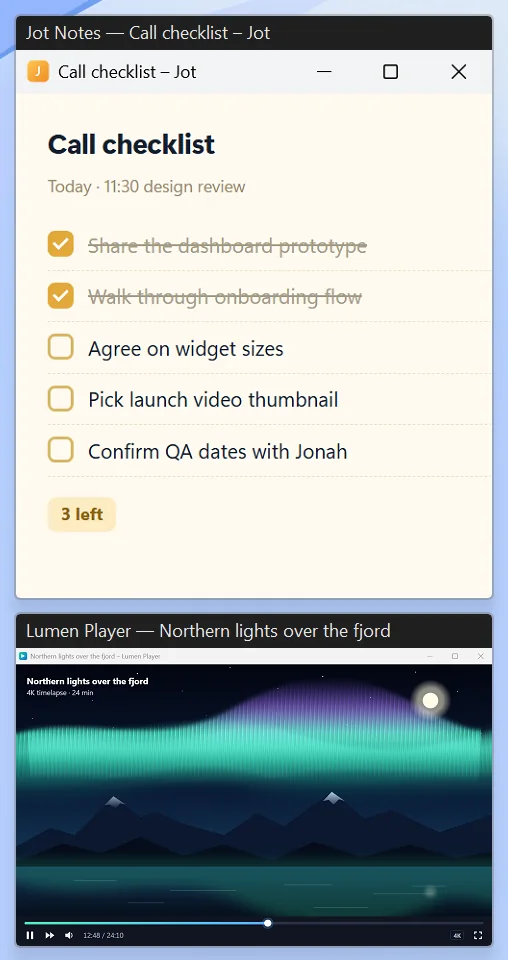
A copy of a whole window or part of it, always on top — e.g. a video in the corner or a render’s progress.

  • Copy of the whole window or a selected area
  • Frameless widget with its own opacity
  • Remembered crop for each app
A live preview of part of a window
Previews menu
04 — FOCUS

Dim everything except your work

Dims everything except the active window.

  • Adjustable dimming level
  • Works on one or many monitors
  • Window or area screenshots and text copy (Windows OCR, on-device)
Focus mode dims the other windows
Focus mode menu
05 — PICTURE

Dark mode for every app

Invert brightness gives a dark look to apps without dark mode. Plus brightness, contrast, vivid colours and sharpening — per window or for the whole screen.

  • Drag the slider on the screenshot to compare before and after
  • Styles: Invert brightness, Vivid, Deep black, Black & white
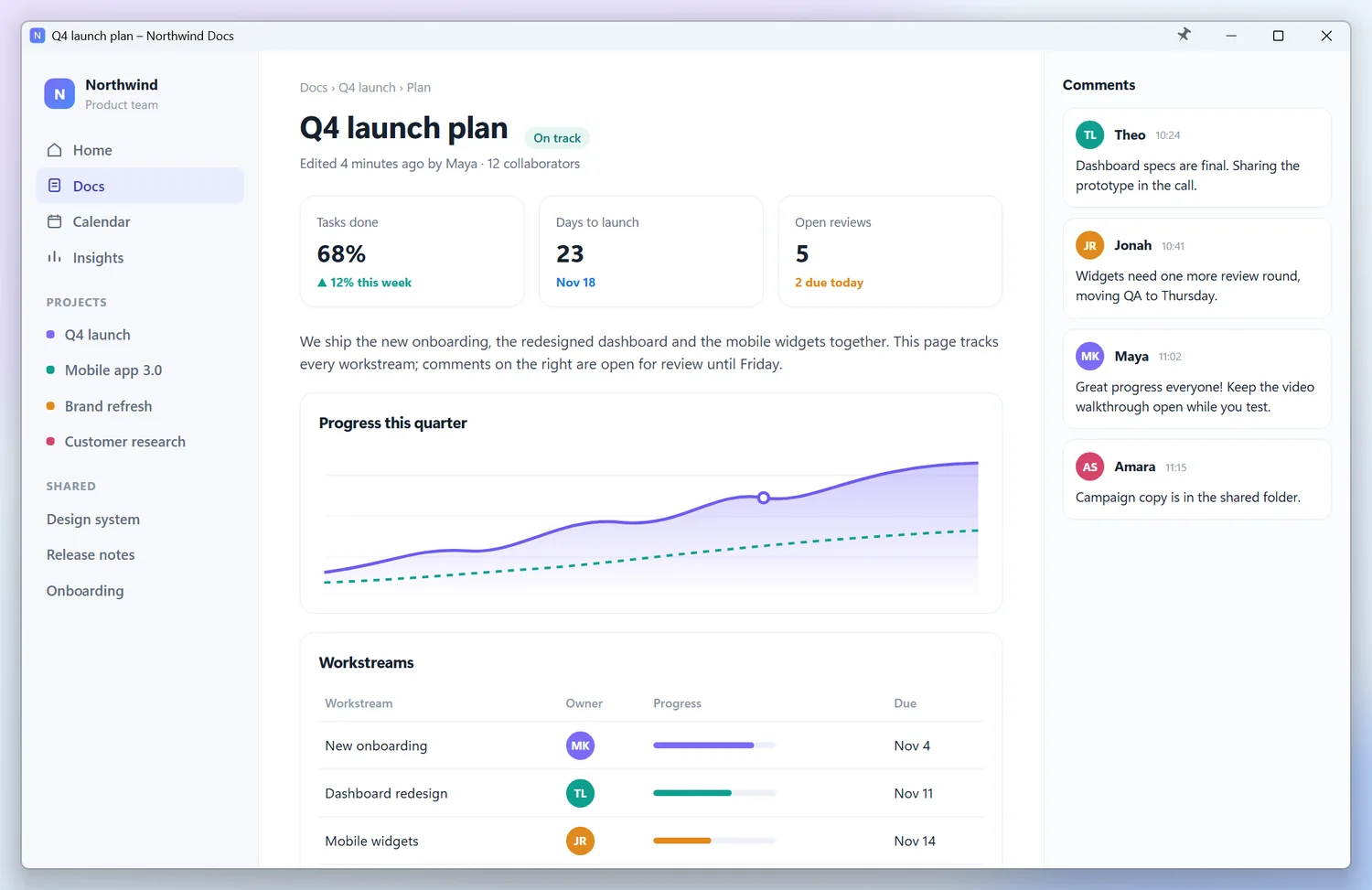
The original window
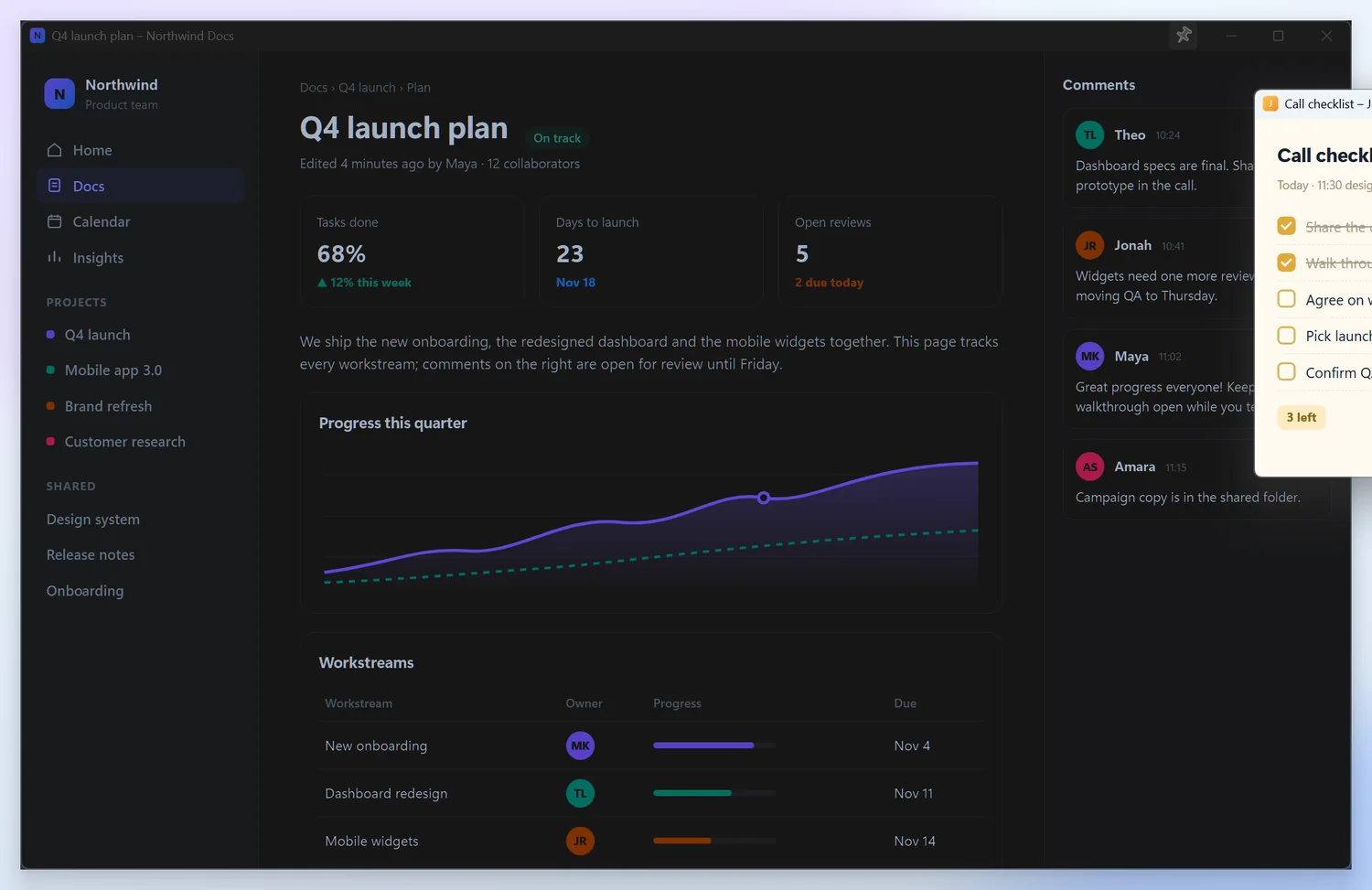
The same window with inverted brightness
OriginalInvert brightness
06 — LAYOUTS & RULES

Your workspace back in one click

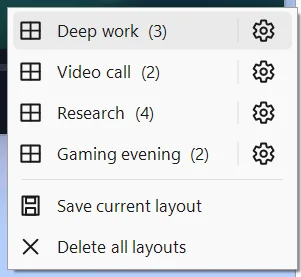
Named window layouts, position and size lock, edge snapping and per-app rules.

  • Three quick layouts in the tray menu
  • Startup rules: “start minimised to tray”
  • Follows light and dark theme and the accent colour
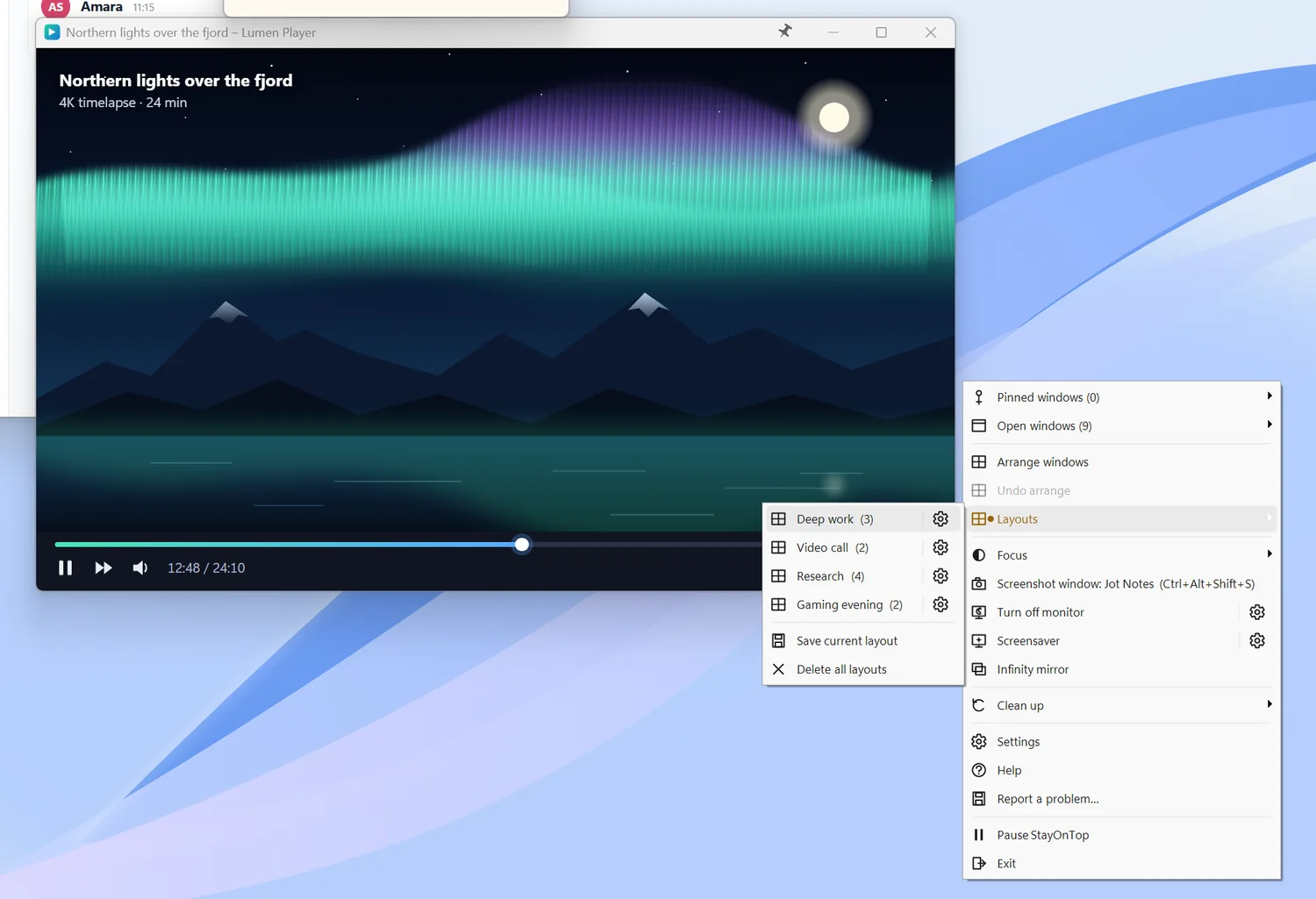
Saved window layouts
Layouts menu
07 — SCREENSAVER & MONITOR

Screen off, PC keeps working

An animated screensaver and one-click monitor off — downloads, music and renders keep going.

Aurora screensaverAURORA
Neon tunnel screensaverNEON TUNNEL
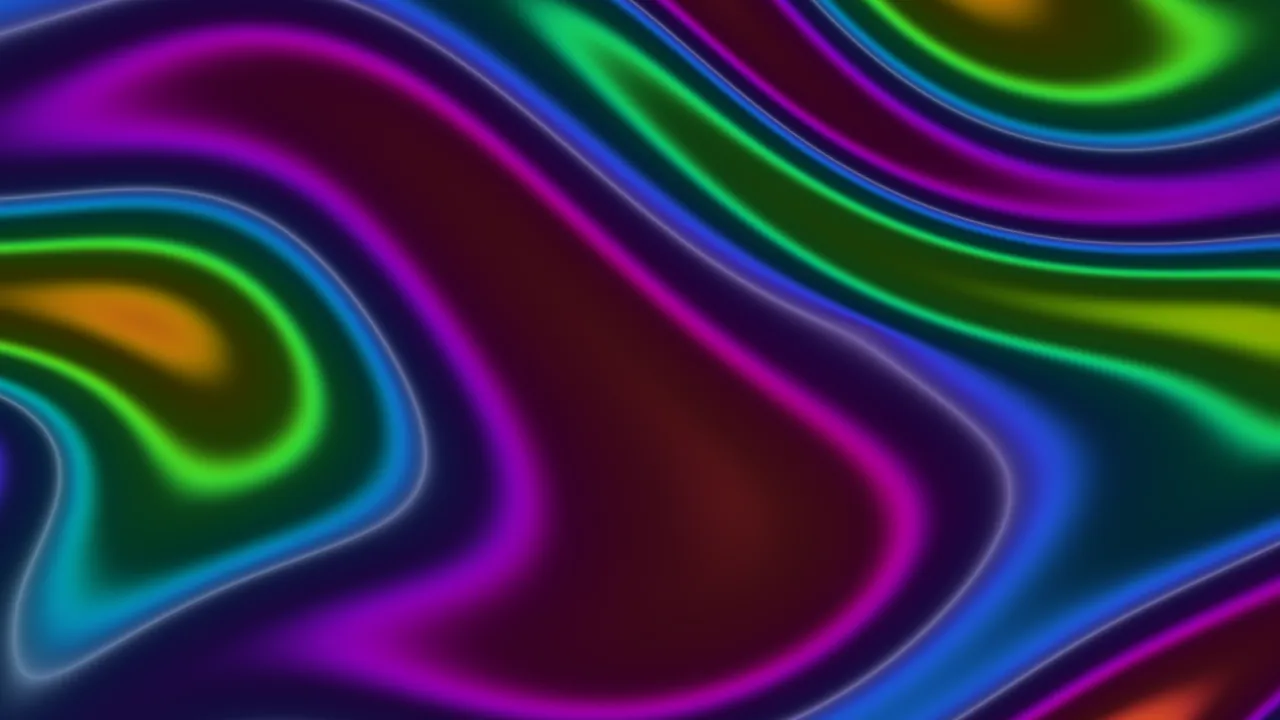
Liquid plasma screensaverLIQUID PLASMA
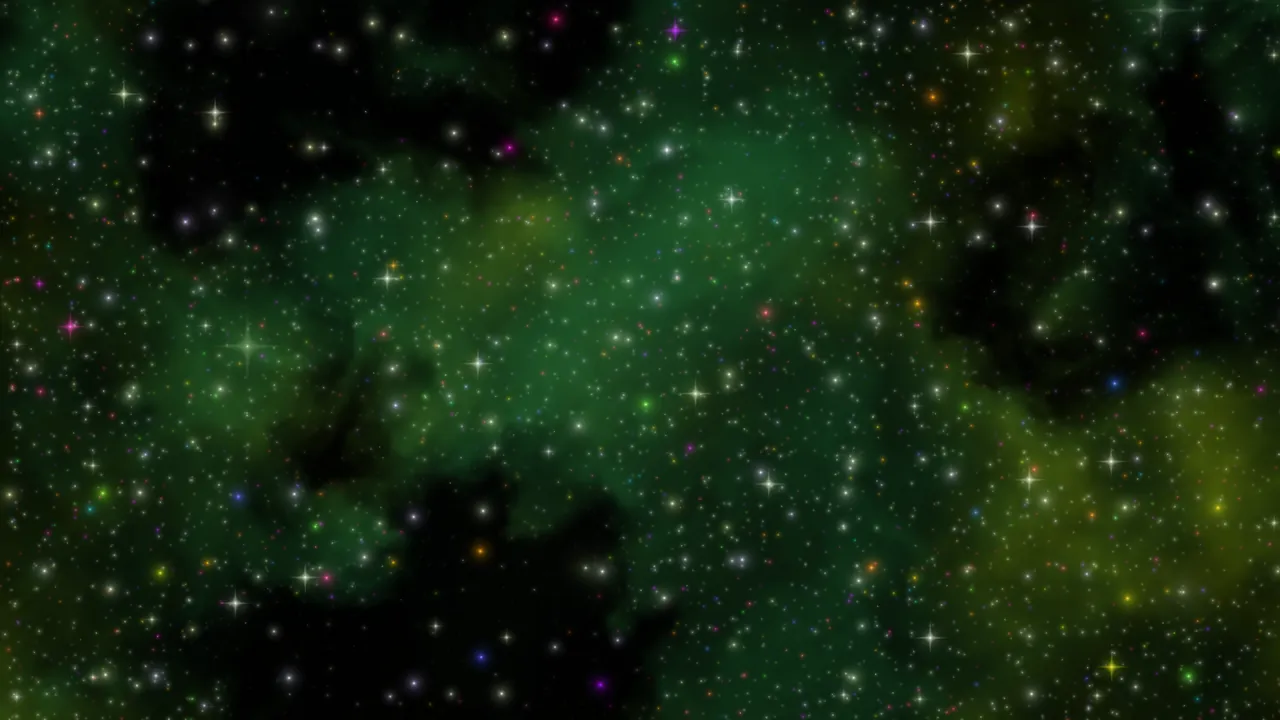
Starfield screensaverStarfield
Interactive demo

See how it works — right here in your browser

Drag a window, click the pin, right-click for the menu.

Demo desktopPinned: brak
Quarterly report — Editor–×
Q4 launch plan

We are shipping the new onboarding, a refreshed dashboard and mobile widgets. This page tracks progress and open reviews.

68%
tasks done
23
days to launch
5
open reviews
Lumen Player — Northern lights over the fjord–×
Notes×
☑ Share the dashboard design
☑ Walk through onboarding
☐ Agree on widget sizes
☐ Pick the video thumbnail
☐ Confirm QA dates
Click the pin on a title bar · right click = menu
This is a simplified browser simulation. The real StayOnTop works with every window in Windows.Shortcut: Ctrl+Alt+P
All features

A complete toolkit for working with windows

No extra fees, no subscription.

A pin on every window’s title bar — one click keeps the window above all others
Opacity control and ghost mode: the window fades while you work elsewhere
Click-through: see the window and click what is under it
Live previews of a whole window or part of it, also as a frameless widget
Picture-in-picture: watch any window in a corner of the screen
Window or area screenshots — saved and copied in one step
Copy text from any window with Windows’ built-in text recognition
Focus mode dims everything except the window you are working in
Snap windows to corners and halves of the screen, move them between monitors
Lock a window’s position or size
Save and restore named window layouts
Per-app rules: always pin, hide the pin or move it
Built-in screensaver with animated effects
Global shortcuts for pinning, screenshots and turning click-through off
Runs in the notification area, optionally starts with Windows
Follows Windows’ light and dark theme and accent colour
Turn the monitor off with one click — downloads, music and renders keep running
No network access, ads, tracking or telemetry
Native C++: no administrator rights or .NET, minimal memory and CPU use
Restores every window to normal when it closes
Gallery

StayOnTop in action

Specs

Requirements & details

SystemWindows 11, Windows 10 version 1809 or later
Architecturex64
TechnologyNative C++ — no .NET or extra libraries
Sizeapprox. 2.6 MB
Memoryapprox. 30 MB at idle, under 1% CPU
PermissionsStandard user account — no administrator
Languages38, including English and Polish
Show all languages
  • Bahasa Indonesia
  • Bahasa Melayu
  • Català
  • Čeština
  • Dansk
  • Deutsch
  • English
  • Español
  • Filipino
  • Français
  • Hrvatski
  • Italiano
  • Magyar
  • Nederlands
  • Norsk
  • Polski
  • Português
  • Română
  • Slovenčina
  • Suomi
  • Svenska
  • Tiếng Việt
  • Türkçe
  • Ελληνικά
  • Български
  • Русский
  • Српски
  • Українська
  • اردو
  • العربية
  • فارسی
  • हिन्दी
  • বাংলা
  • ไทย
  • 日本語
  • 简体中文
  • 繁體中文
  • 한국어
MonitorsSingle and multiple monitors, any DPI scaling
PrivacyNo network features, ads or telemetry
DistributionMicrosoft Store (MSIX), automatic updates
FAQ

Frequently asked questions

Do I need administrator rights?

No. It runs for your account only, with no services or drivers.

Does StayOnTop collect or send any data?

No. The app has no network features. Screenshots go to Pictures\StayOnTop and OCR runs locally.

Which apps does it work with?

With almost any window that has a normal title bar. Exception: apps running as administrator — a Windows restriction.

Will the pin get in the way of full-screen games and videos?

No. The pin hides in full screen.

Will it slow down my PC?

No. About 2.6 MB on disk, about 30 MB of memory, under 1% CPU.

What happens to my windows when I close the app?

Every window returns to its normal state.

More from Weedsee

You may also like

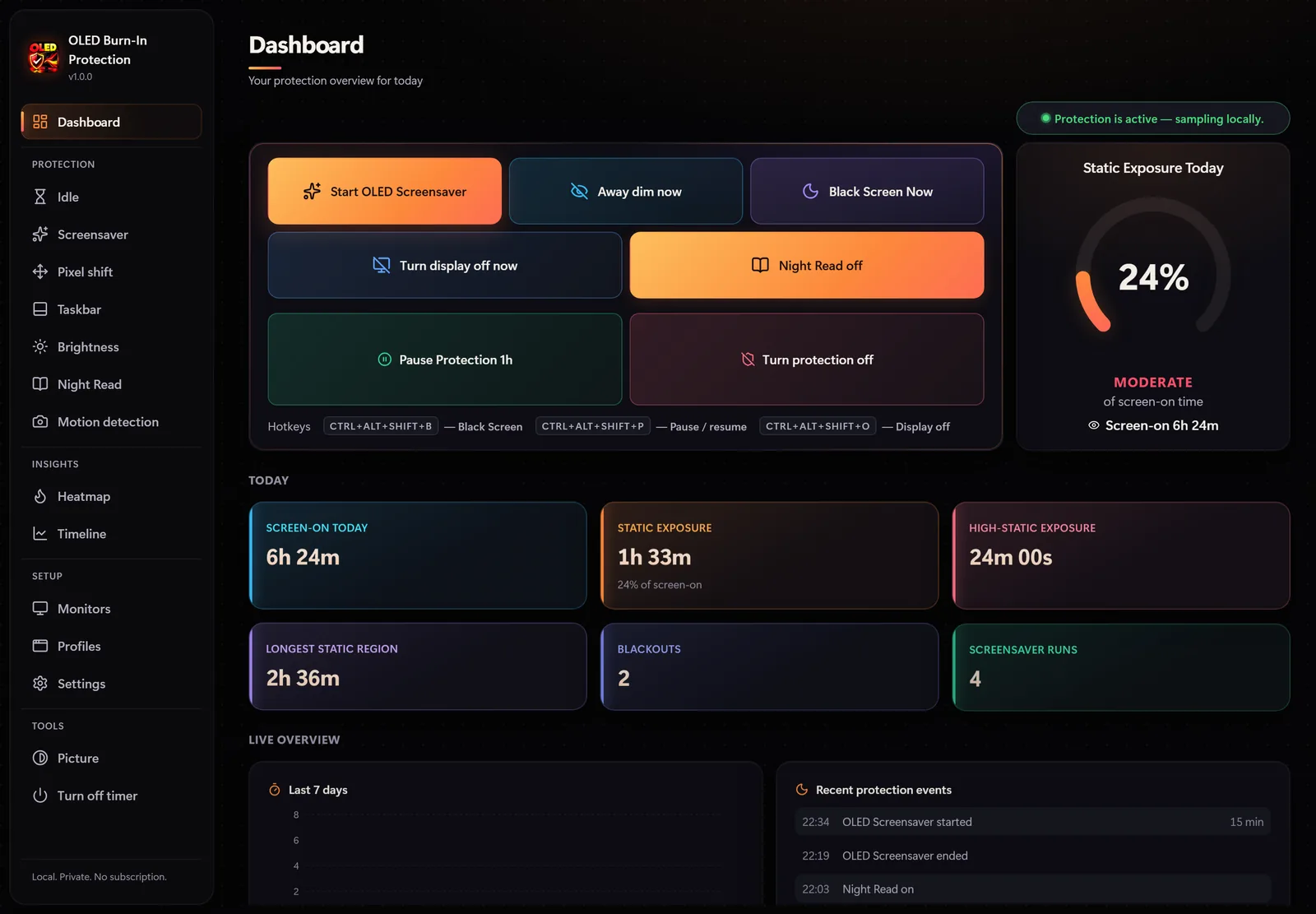
OLED Burn-In Protection

OLED Burn-In Protection

Screen protection

A heatmap of static screen areas, 20 OLED screensavers, pixel shift and taskbar protection.

Microsoft Store$12.99Details
Disk Drive Cleaner Pro

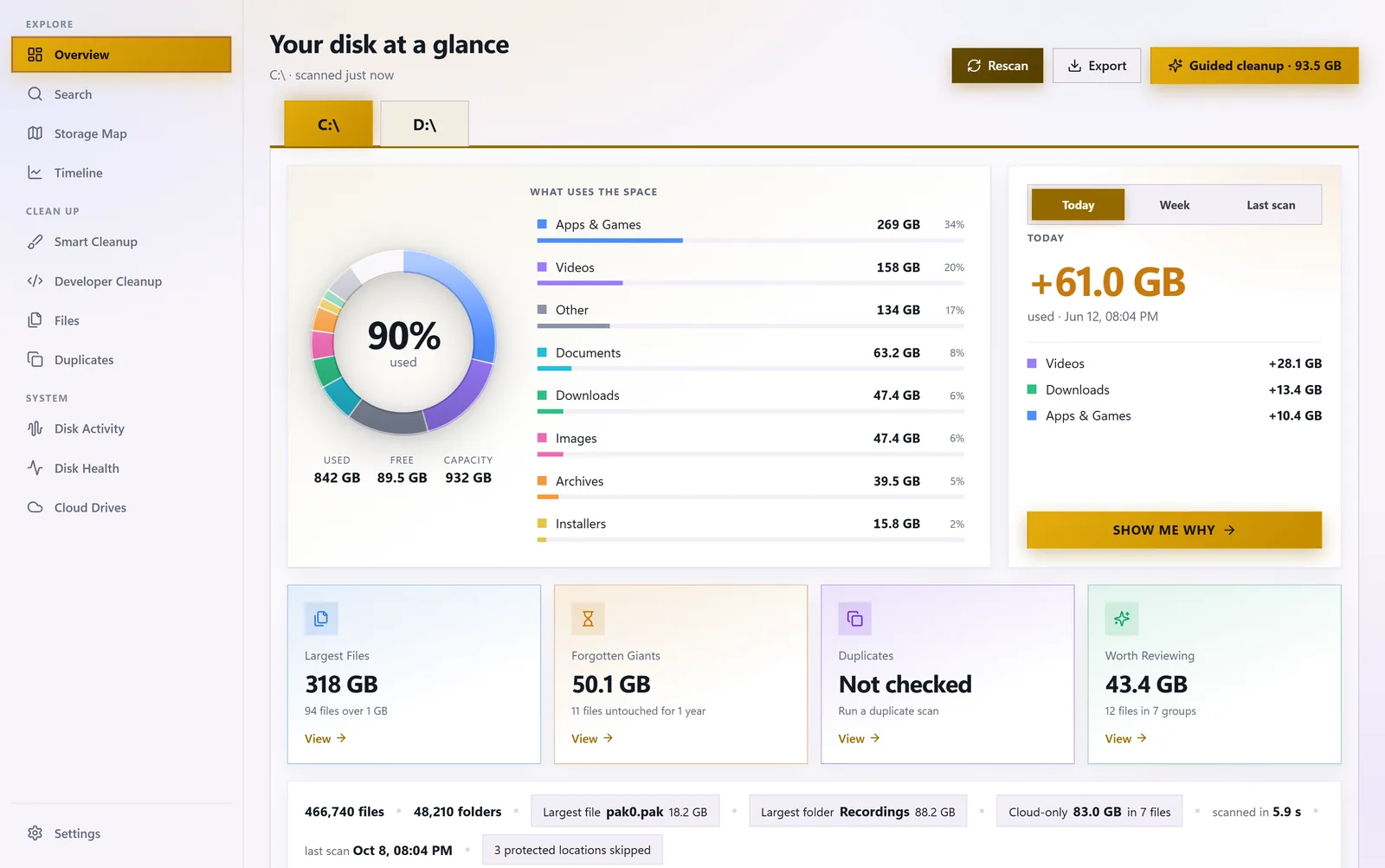
See what is eating your disk space: storage map, duplicates, forgotten giants and safe cleanup.

Microsoft Store$8.99Details
StayOnTop

Your windows. Your rules. Pin what matters.