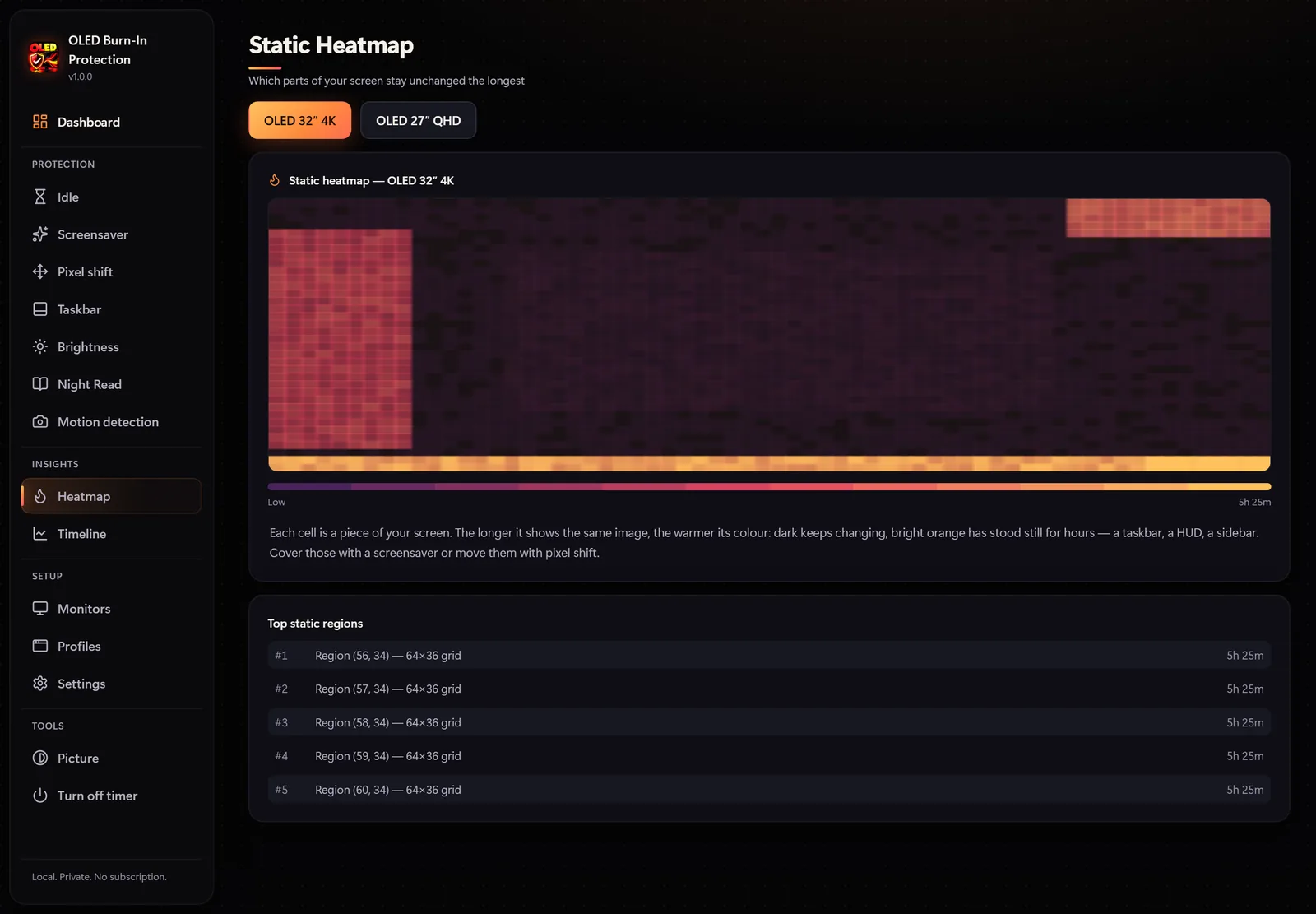

OLED Burn-In Protection
Screen protectionA heatmap of static screen areas, 20 OLED screensavers, pixel shift and taskbar protection.
Microsoft Store$8.99Details

Audio Balance Equalizer is a system-wide equalizer for Windows. It shapes the sound of every app on your speakers or headphones at once: games, films, music, browsers and calls.
Audio Balance Equalizer
Try it free
equalizer bands, plus a parametric EQ
EQ presets for music, films, games and voice
effect sliders and 9 one-click scenes
GPU visualizers that react to every beat
Smart Volume measures loudness the way broadcast studios do and evens it out in real time. Loud ads, game explosions and quiet calls all land at a comfortable level, and surge protection catches sudden jumps.
Smart Volume works on the shared mix and never changes the Windows volume of your apps.
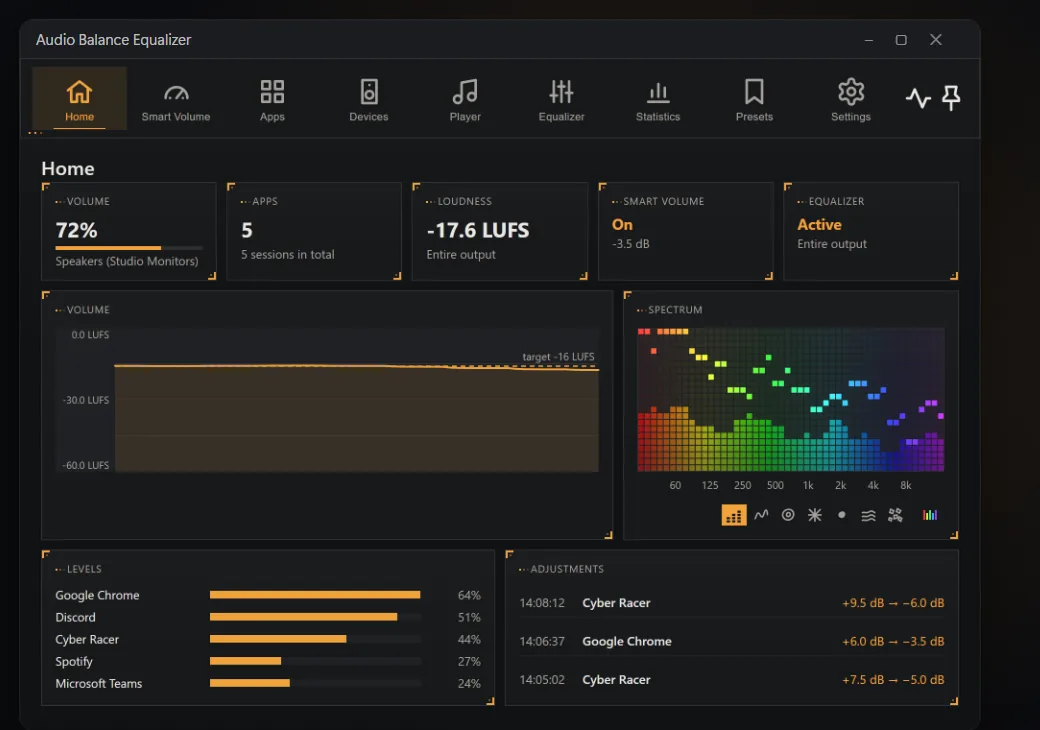
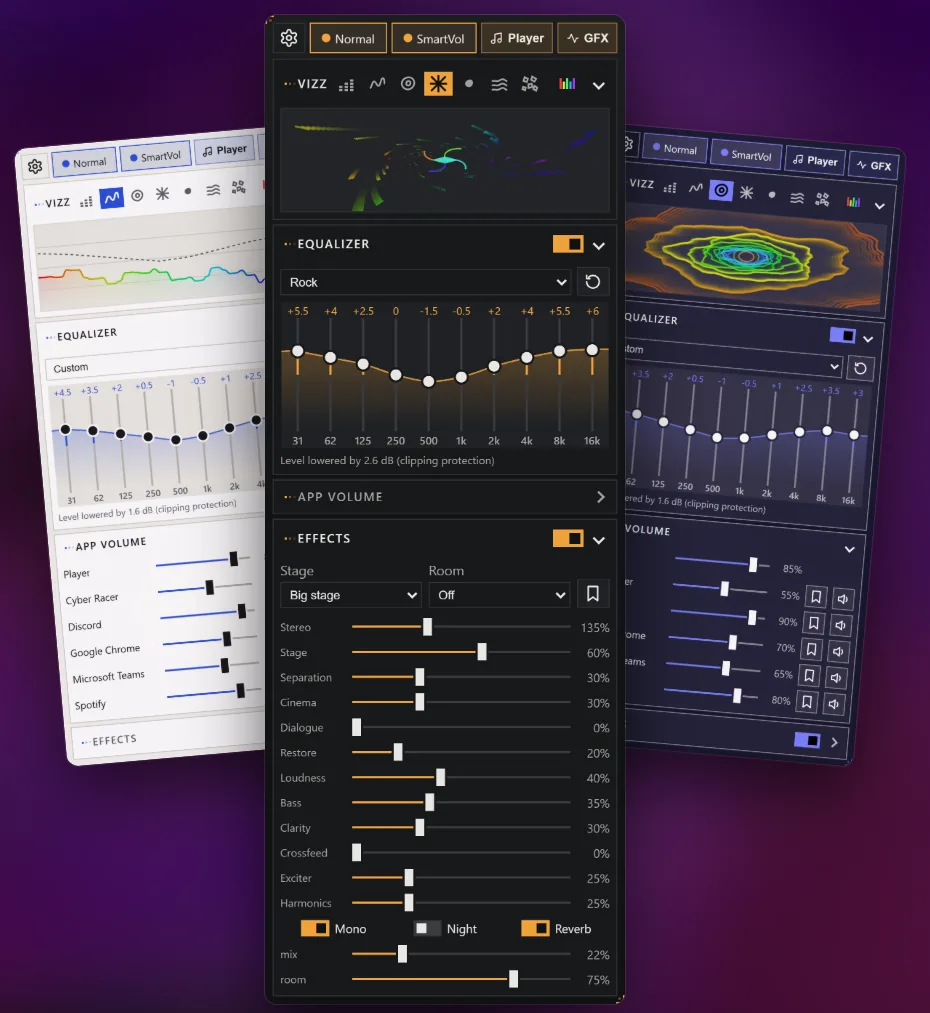
A compact panel opens right from the taskbar, with the equalizer, effects, per-app volume and a live spectrum in one place. The volume changes with the mouse wheel over the tray icon.
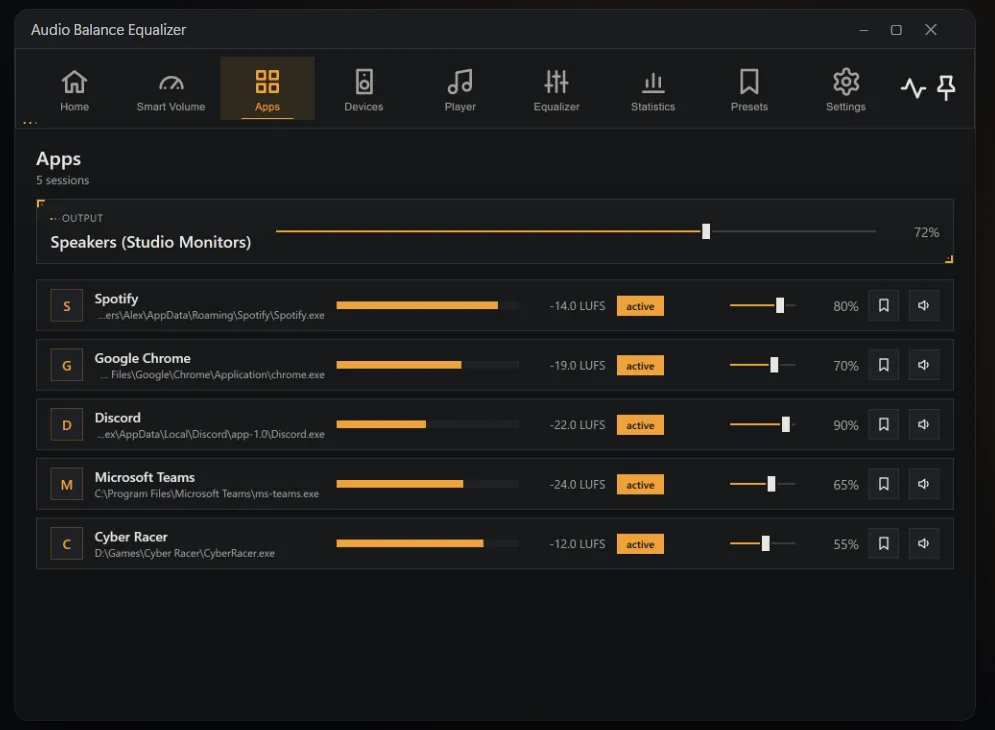
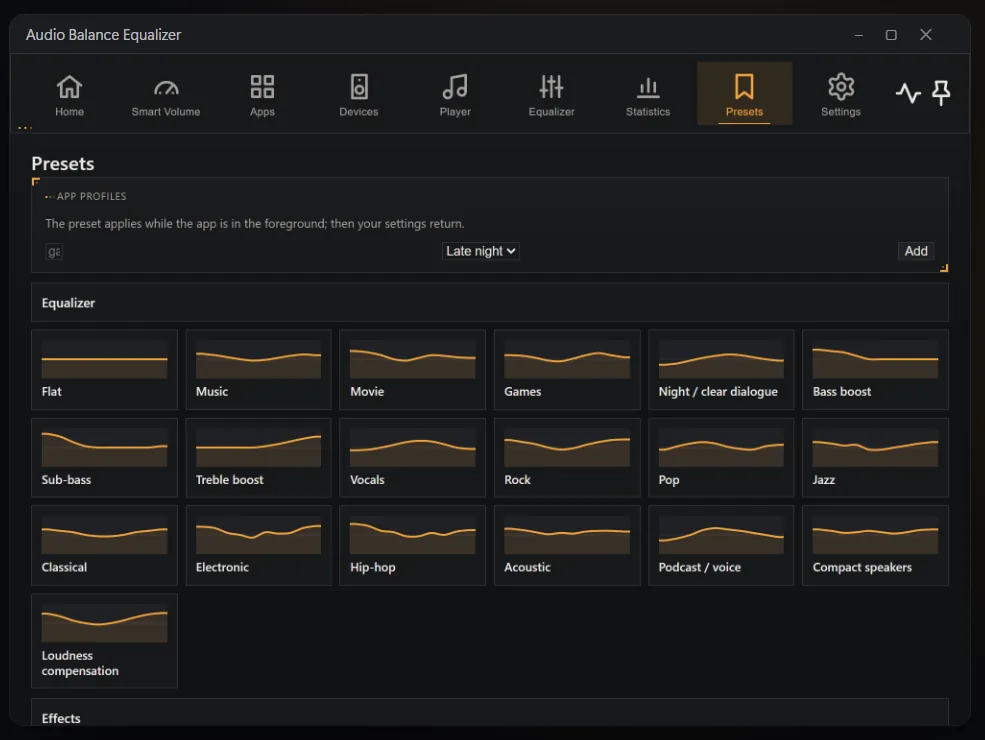
Turn the game down and the call up. Live meters show which app is loud, levels are remembered per app, and app profiles switch the sound when you launch a game.
Studio-grade EQ for your whole PC: 10-band and parametric equalizer with cinema, dialogue and night modes for every app.
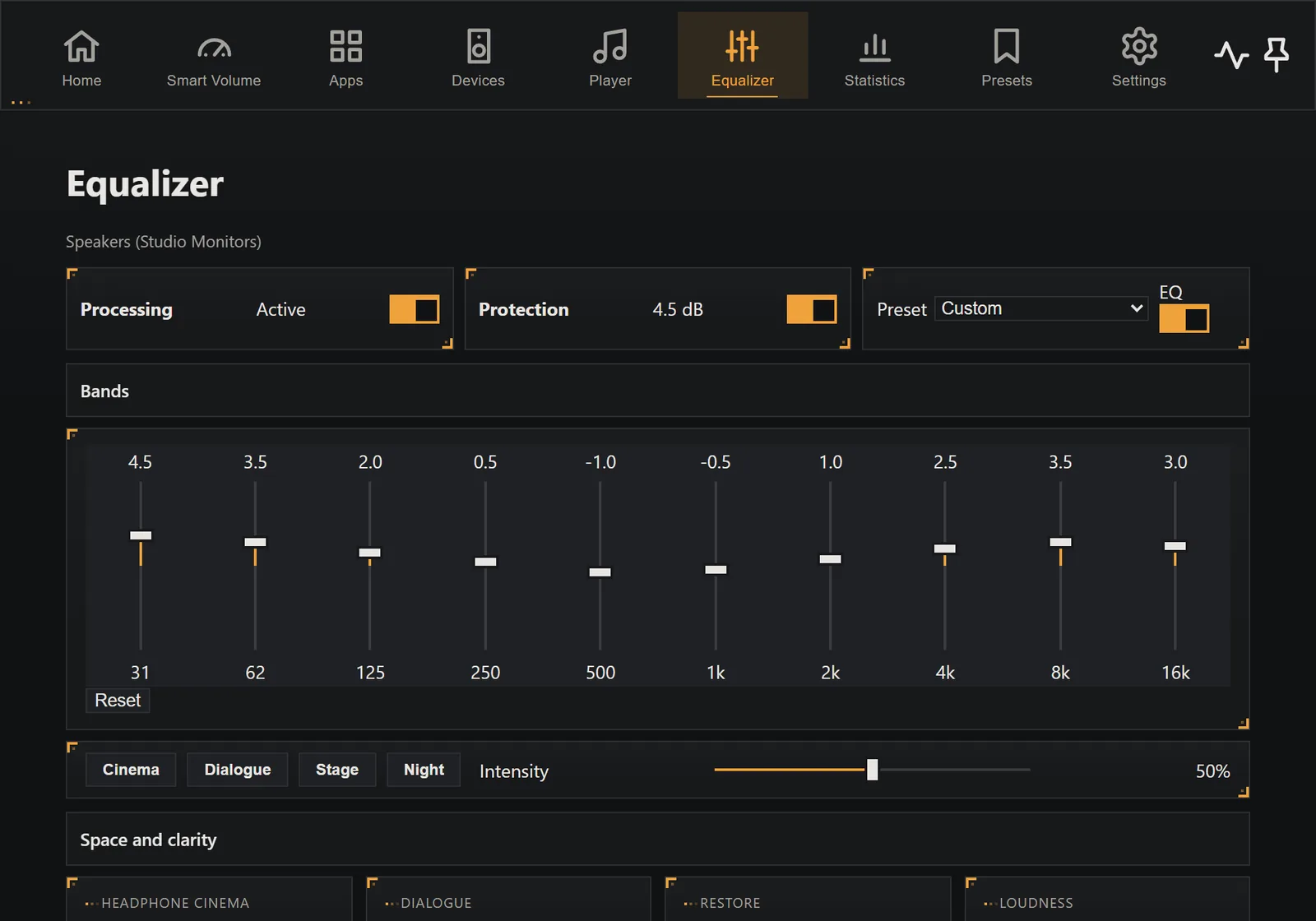
Drag the sliders or pick a preset. Press Play — the demo generates music right in your browser and runs it through a real 10-band equalizer.
12 effect sliders for stereo width, stage, instrument separation, cinema, dialogue, loudness, bass, clarity, crossfeed and harmonics, plus mono, night mode and reverb. Nine one-click scenes include Big stage, Headphones, Cinema, Games – positioning and Concert hall.
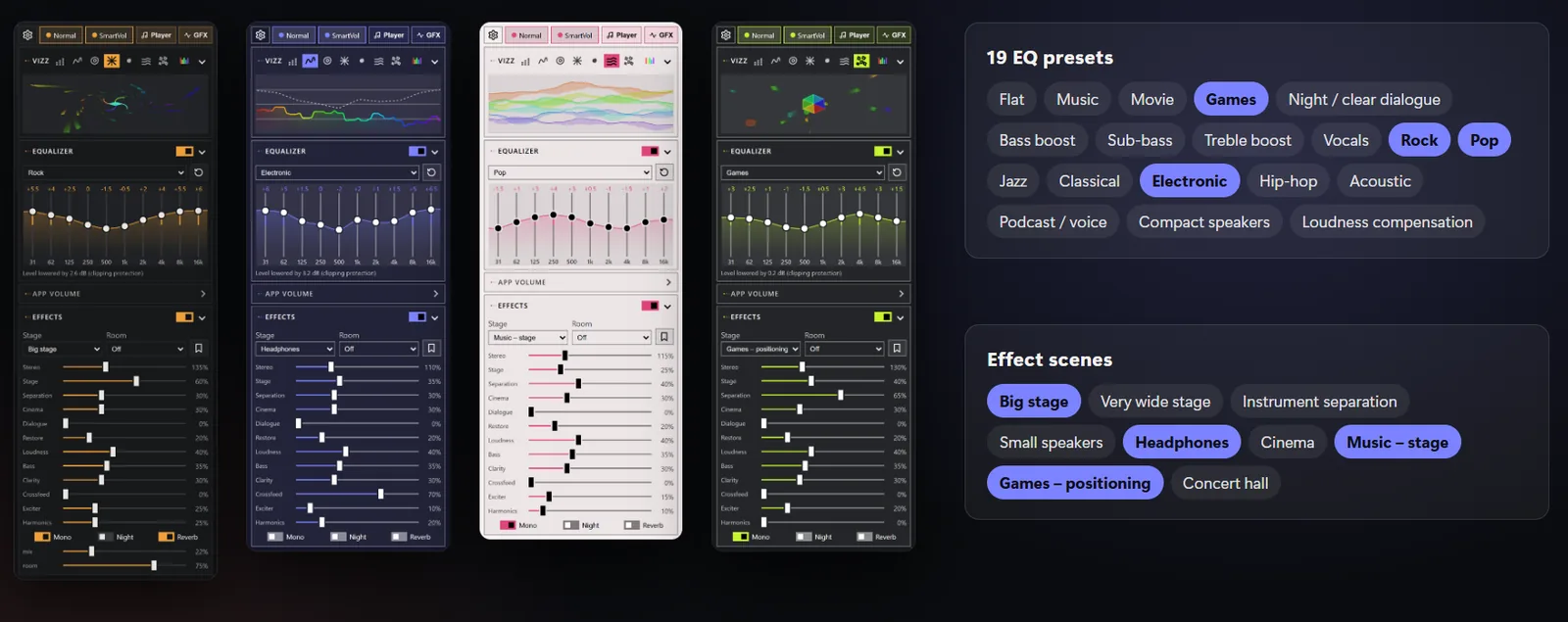
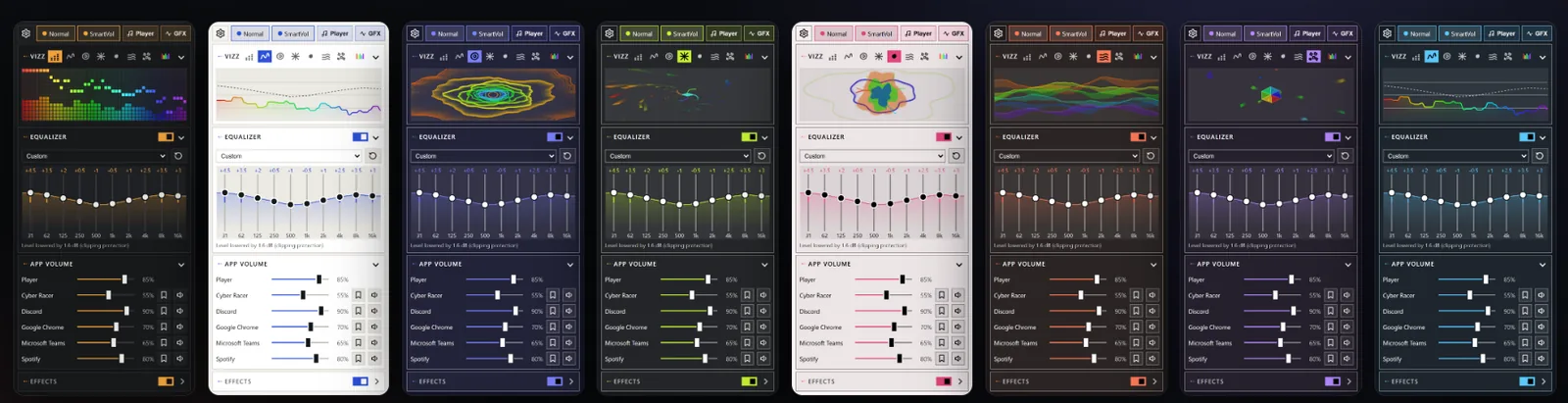
25 GPU visualizers react to every beat, in a window or fullscreen, with 7 colour palettes. The mini panel shows 7 live spectrum styles.
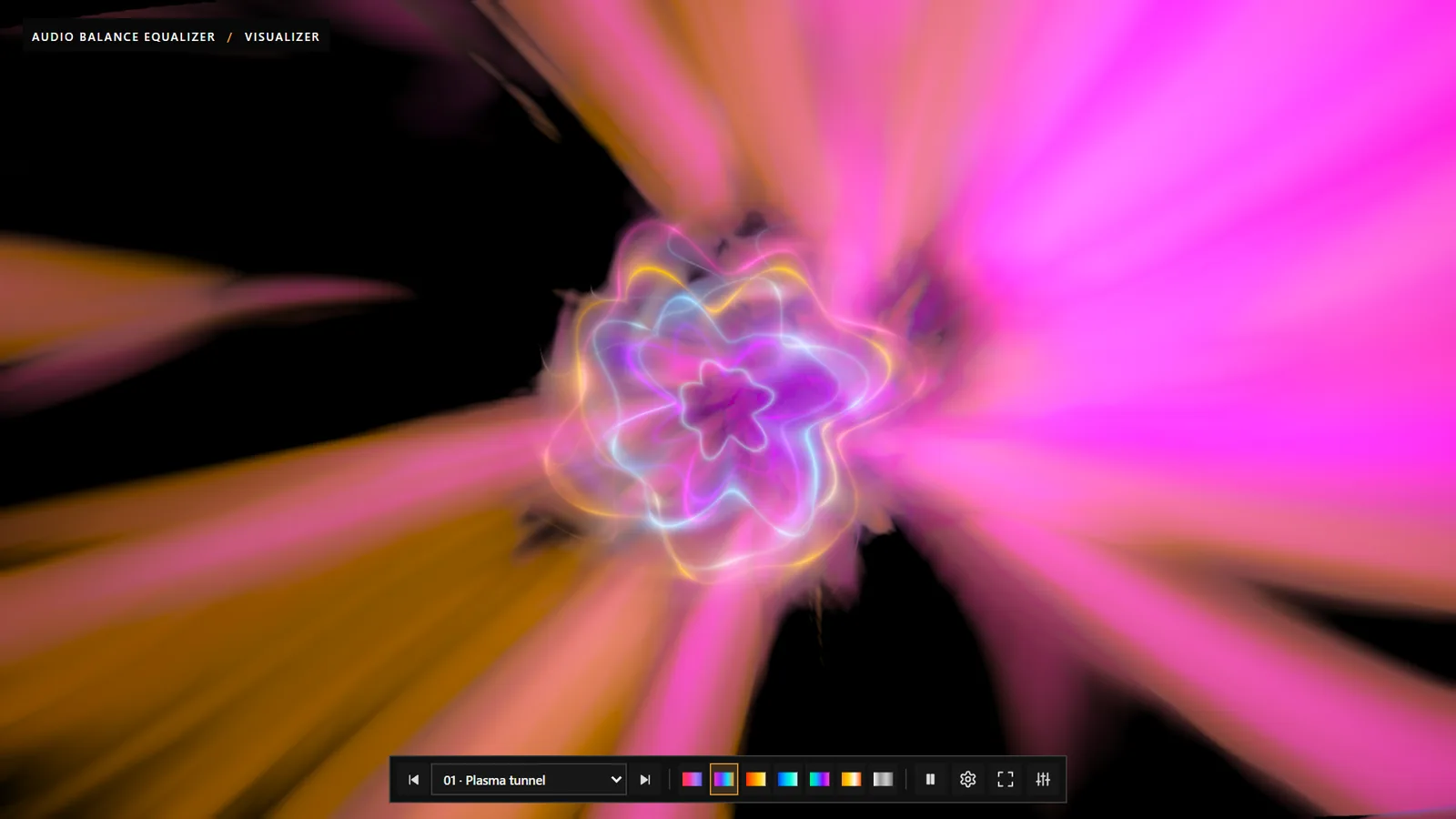 Plasma tunnel
 Crystal cathedral
 Orbital rings
 Jellyfish
 Gravitational singularity
 Fractal kaleidoscope
 Aurora ocean
One light app instead of a separate equalizer, volume mixer, visualizer and music player.
| System | Windows 10 (version 2004 or later) and Windows 11, 64-bit |
|---|---|
| Outputs | Speakers, headphones and TVs — you choose which outputs to process |
| Audio engine | An audio processing component (APO) in the Windows audio engine. No driver and no service. |
| Permissions | Administrator consent once, to install the audio component |
| Languages | 25, including English and PolishShow all languages
|
| Privacy | No account, ads or telemetry. Sound is never recorded or sent. |
| Licence | One-time purchase, no subscription |
| Distribution | Microsoft Store, automatic updates |
Audio Balance Equalizer installs a small audio processing component into the Windows audio engine for the outputs you choose. Windows asks for administrator permission once. While the app is closed, the component passes sound through unchanged. To remove it, open Settings > Engine > Remove all before uninstalling the app.
Yes. The equalizer and effects work on the shared mix of the selected output, so games, films, browsers, music players and calls all sound better at once — without changing any app's settings.
Only once, to install a small audio processing component into the Windows audio engine for the outputs you choose. The app itself runs on a standard account.
Within about a second the component passes the sound through unchanged, so you hear plain Windows audio. Your settings come back the next time you start the app.
Search for your model and load an AutoEQ correction profile, or calibrate your speakers and room with a microphone. Downloading a profile is the only network request the app makes.
Before uninstalling the app, open Settings → Engine → Remove all. This removes the audio component from every output.
No. You pay once in Microsoft Store — no subscription and no account with us.
A heatmap of static screen areas, 20 OLED screensavers, pixel shift and taskbar protection.
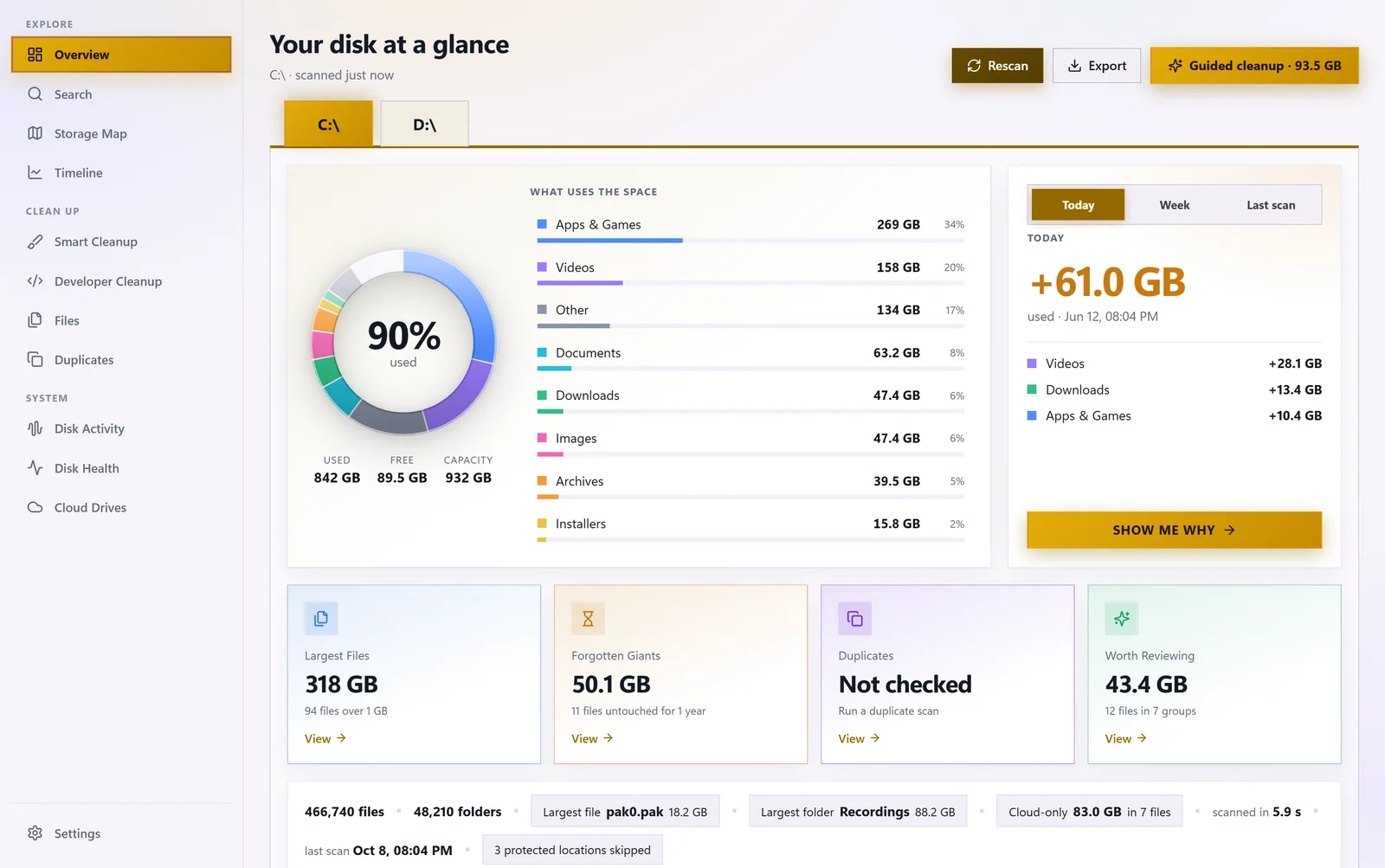

See what is eating your disk space: storage map, duplicates, forgotten giants and safe cleanup.

